

What does changing your family doctor on e-Government mean?
The family doctor change process means updating the doctor or family health center where a person receives primary care services. Thanks to digital application screens available through e-Government, this can in some cases be completed online. However, the scope of the service may vary depending on the person’s registration details, location and the options defined in the system.
For this reason, users searching for e-Government family doctor services should check their identity information, address registration and current family doctor record before starting the process. Since screen names and the application flow may be updated from time to time, the most accurate guidance is the step-by-step process shown in the official system.
What conditions are checked before applying?
Eligibility and registration status
When making a doctor selection, not every application may end with the same result. Factors such as the registered place of residence, the service area of the family health center, the selected doctor’s acceptance status and the available quota shown in the system may all play a role. In some cases, the system lists only the options that are eligible for application.
What to consider when changing a family health center
In this process, also known as a family health center change, it is important whether the selected doctor or center is still accepting new registrations. Reasons such as moving home, updating an address or wanting to switch to a different family health center may also affect how the application is assessed. Since the exact conditions may change according to regulations and the application screens, any warnings displayed during the process should be read carefully.
- Identity and contact details should be up to date
- The address registration should match the system
- The selected doctor should be accessible in the system
- Any approval or information messages after applying should be followed
How does the family doctor change process work on e-Government?
Basic steps
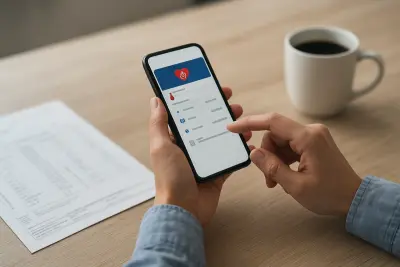
In general, after logging in to the e-Government account, the user opens the service screen related to family medicine and views the current registration. If the system shows an eligible option, the user then selects a new doctor or family health center, confirms the application and checks the result on the screen. Since menu titles may differ, searching for the relevant service in the search bar can make the process easier.
What should you do if the process is not completed?
If the application screen does not open, no suitable doctor appears or the system displays a warning, the reason may be technical congestion, a registration mismatch or an eligibility restriction. In such cases, users should follow the latest updates from official health service channels, the family health center or the relevant public institutions. If a digital application is not possible, other application methods may also be considered.
"""




Comments (0)
No comments yet. Be the first to comment.
Write a Comment