

Basic steps to obtain a proof of address on e-Government
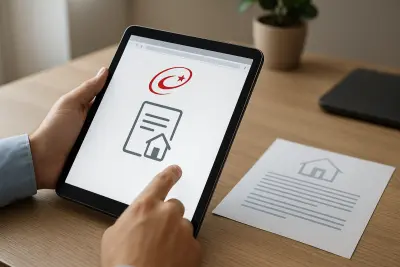
Users who want to get a proof of address through e-Government can complete the document creation and file download process in a short time after logging into the system and opening the relevant service page. This document is one of the official records showing a person's current address and may be requested in many applications.
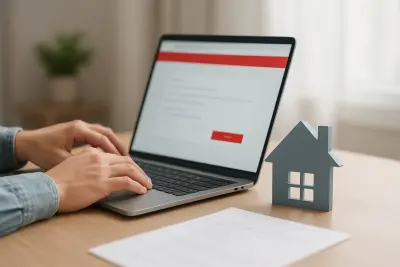
In general, the process starts by signing in to the e-Government account. Then, by typing terms such as proof of address, place of residence document or address document into the search section, the relevant service screen is opened. After completing the confirmation step for creating the document, the file can be viewed and downloaded.
What to pay attention to during the application
- The login must be completed through the person's own account.
- It is important that the document matches the current address information.
- It should be checked whether the downloaded document is provided in a barcode-enabled or otherwise verifiable format.
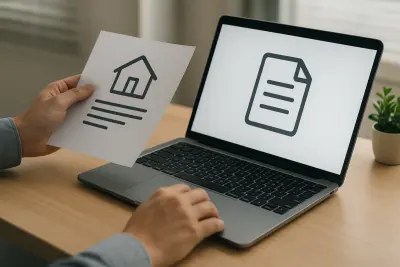
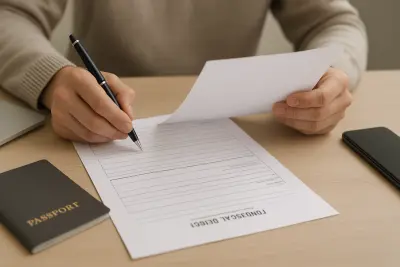
While some institutions accept the digital document directly, others may require a printed copy. For this reason, it is useful to review the document requirements of the institution where the application will be made.
Where is a proof of address used?
The address document may be requested for address verification in various public and private sector procedures. It may be needed for education applications, subscription processes, some social assistance procedures, certain bank or insurance requests, and various official registration transactions.
Which transaction the document is valid for may vary depending on the internal rules of the institution receiving the application. For this reason, it is a good idea to check in advance whether the document alone is sufficient, whether additional paperwork is required, and the document's validity period.
Why can usage areas differ?
Institutional document-acceptance rules are not always the same. Factors such as the identity verification method, whether the application is made online or in person, and the type of transaction can affect the required document format.
What should be checked after downloading the document?
It is important that the downloaded document is legible, that personal details appear correctly, and that all verification elements are included. Especially in online applications, technical details such as file format, document size or print quality can affect the process.
What to do if there is a problem
If the document screen does not open, the information does not appear up to date, or the system does not generate the document, first make sure the account is being used correctly. If the problem continues, the official institution's announcements and the guidance within e-Government should be followed, and the procedure should be carried out in line with the official explanation.
"""
Comments (0)
No comments yet. Be the first to comment.
Write a Comment
Yorum yazmak için giriş yapın. Üyelik ücretsiz; yorumunuz editör onayından sonra yayımlanır.