
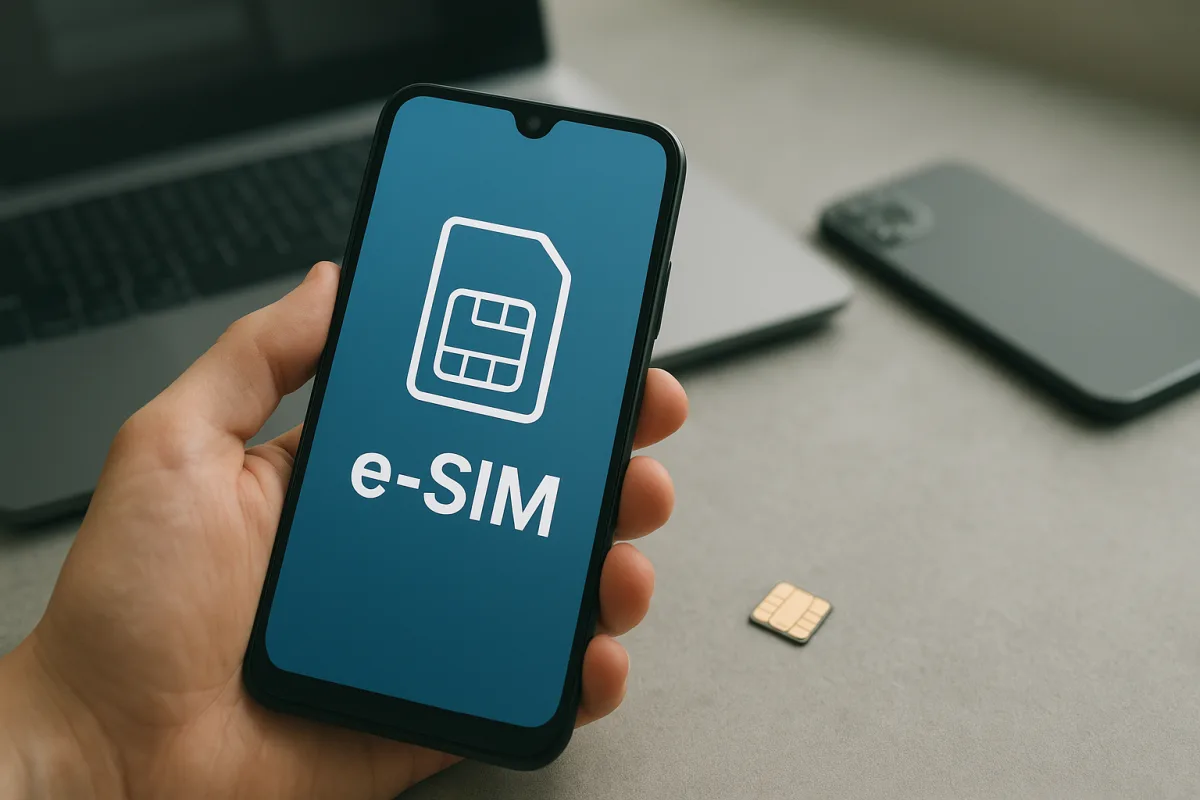
What is e-SIM and how is it different from a traditional SIM card?
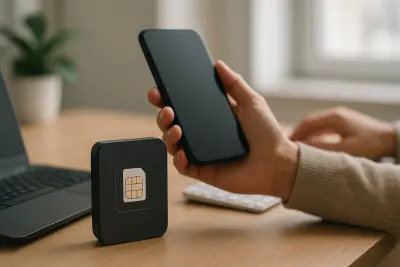
The short answer to what e-SIM is: it is an embedded digital line technology that works without a physical card. While a traditional SIM card stores line information on a removable chip, e-SIM stores those details directly inside the device.
This setup can be practical for tasks such as switching lines, using a second number or setting up a roaming data plan abroad. However, the user experience can vary depending on the device’s software, model and mobile operator support.
The main differences between a classic SIM card and e-SIM can generally be summarized as follows:
- No need to swap a physical card
- Ability to manage multiple line profiles on compatible devices
- Setup can be completed through digital channels instead of in-store
- Operation depends on carrier and regional support
Which phones support e-SIM?
The issue of compatible phones is one of the most important points, and it varies by brand and model. In general, some newer smartphones include e-SIM support, while certain models offer the feature only in specific countries or versions.
Not only phones but also some tablets, smartwatches and mobile-connected laptops can work with e-SIM. For that reason, the assumption that every version of the same model supports it is not always correct.
How can compatibility be checked?
The most reliable method is to check the device manufacturer’s technical specifications page and the support information published by the mobile operator. Seeing an e-SIM add option in the Settings menu under cellular network, mobile data or SIM management can also be an important sign.
- Look for e-SIM support in the device specifications
- Check the phone’s regional version
- Confirm whether the carrier offers e-SIM service
- Make sure the software is up to date
How is e-SIM activated?
e-SIM activation is usually initiated through the carrier. The process can be completed by scanning a QR code, downloading a profile through the carrier’s app or entering details manually.
What is needed before installation?
Before activation, the device must be connected to the internet, have a supported plan and, if needed, complete identity verification steps. Some users prefer to move an existing physical line to e-SIM, while others add a second number as a separate profile.
General setup flow
- Request that the carrier enable the e-SIM service.
- Open the add-new-line screen in the device settings.
- Install the line profile on the device using the method provided by the carrier.
- If necessary, restart the device and check call, SMS and data settings.
After setup is complete, settings such as the default line selection, mobile data preference and dual-line use can be adjusted. If problems occur, the most common reasons include an unsupported device, missing carrier provisioning or software incompatibility. That is why it is important to clarify both device and carrier conditions before starting the process.
"""

Comments (0)
No comments yet. Be the first to comment.
Write a Comment
Yorum yazmak için giriş yapın. Üyelik ücretsiz; yorumunuz editör onayından sonra yayımlanır.