
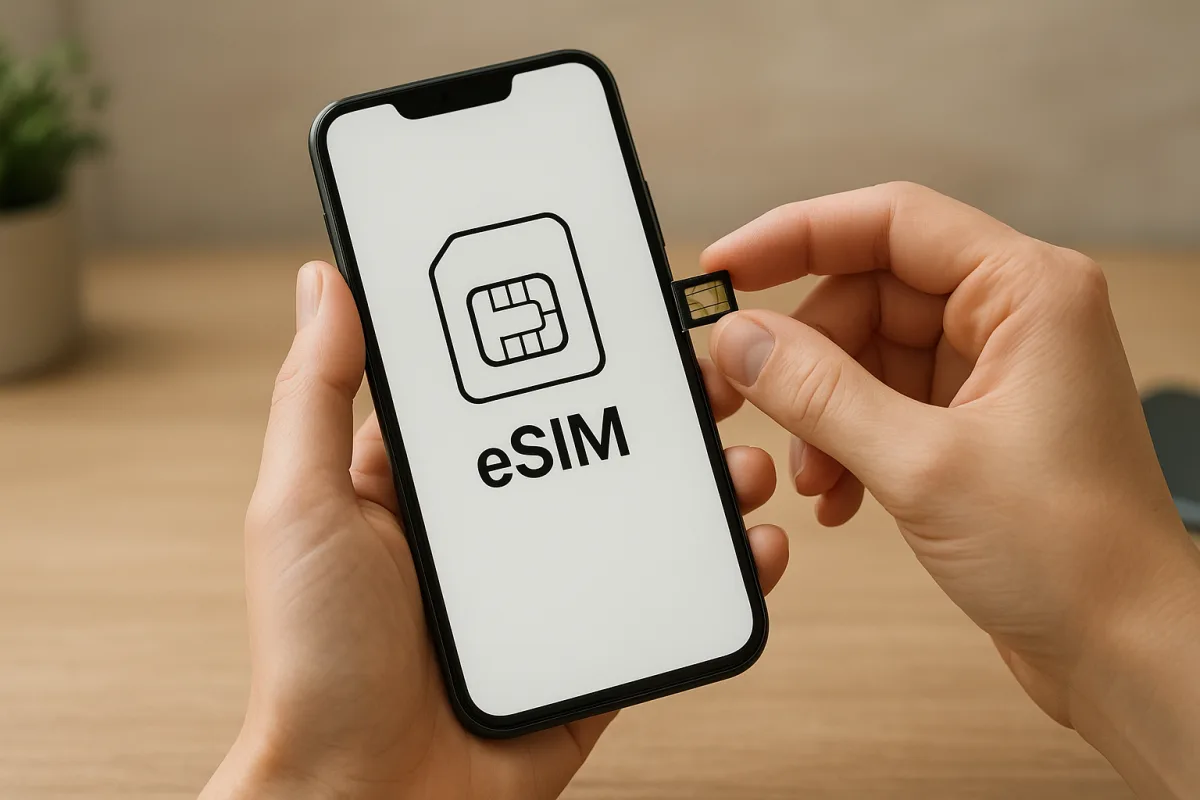
What is eSIM and what does it do?
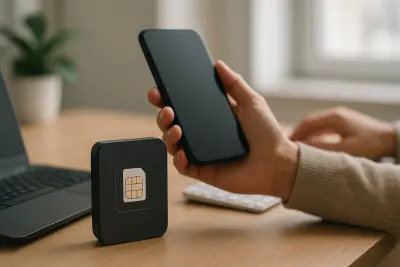
What is eSIM is one of the most frequently searched questions among people who have just bought a new phone or are thinking about switching carriers. This digital line technology, built into the device, makes it possible to connect to a mobile network without inserting a physical card.
Unlike a traditional SIM card, eSIM can be configured remotely, which may offer a more flexible experience when changing lines or completing setup. It is especially useful for travelers, people who want to keep their work and personal numbers on the same device, or anyone planning to use a dual SIM setup.
That said, using eSIM is not only about whether the phone supports it. Carrier support, services available by country and the device's software status can all directly affect the user experience.
Which phones and devices support it?
The list of supported phones varies by brand and model. In general, some smartphones, tablets and smartwatches released in recent years come with eSIM support, but it may not be available on every model in the same product line.
How can you tell if a phone supports eSIM?
The most reliable way is to check the device's technical specifications page and mobile network settings. If you see an option such as “Add eSIM,” “Add mobile plan” or something similar in the settings menu, the device is likely to support it. Even so, the final answer should be based on both the manufacturer's information and carrier compatibility.
- Some newer smartphone models
- Select tablets and smartwatches
- Devices compatible with carrier software
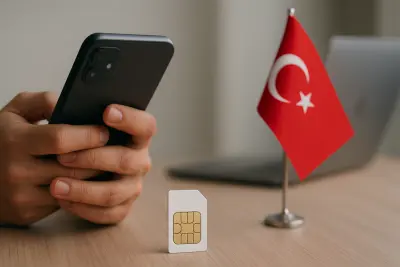
In Turkey, the situation works in a similar way. Even if a device supports eSIM, the same setup options may not be available for every line type or every carrier, so it is important to check the latest support information directly from the service provider.
How do you activate eSIM?
eSIM activation is usually completed with a QR code provided by the carrier, a mobile app or manual setup details. The user adds a new plan from the phone's mobile network settings, follows the on-screen steps and the line is then assigned to the device.
What should you check before setup?
Before starting activation, make sure the device is unlocked, has an internet connection and that the current line is eligible for eSIM. In scenarios such as number portability, switching from a physical SIM to eSIM or adding a second line, the carrier's process may differ.
Basic checklist
- Confirm in the specifications that the device supports eSIM.
- Check whether your carrier offers eSIM service.
- Have the QR code or activation details ready.
- If needed, learn how the current physical SIM will be deactivated.
Once setup is complete, users can often choose separate settings for data, calls and messaging. This flexibility is a major advantage, especially for those who want to manage work and personal communication on a single device with dual SIM use.
"""

Comments (0)
No comments yet. Be the first to comment.
Write a Comment
Yorum yazmak için giriş yapın. Üyelik ücretsiz; yorumunuz editör onayından sonra yayımlanır.