
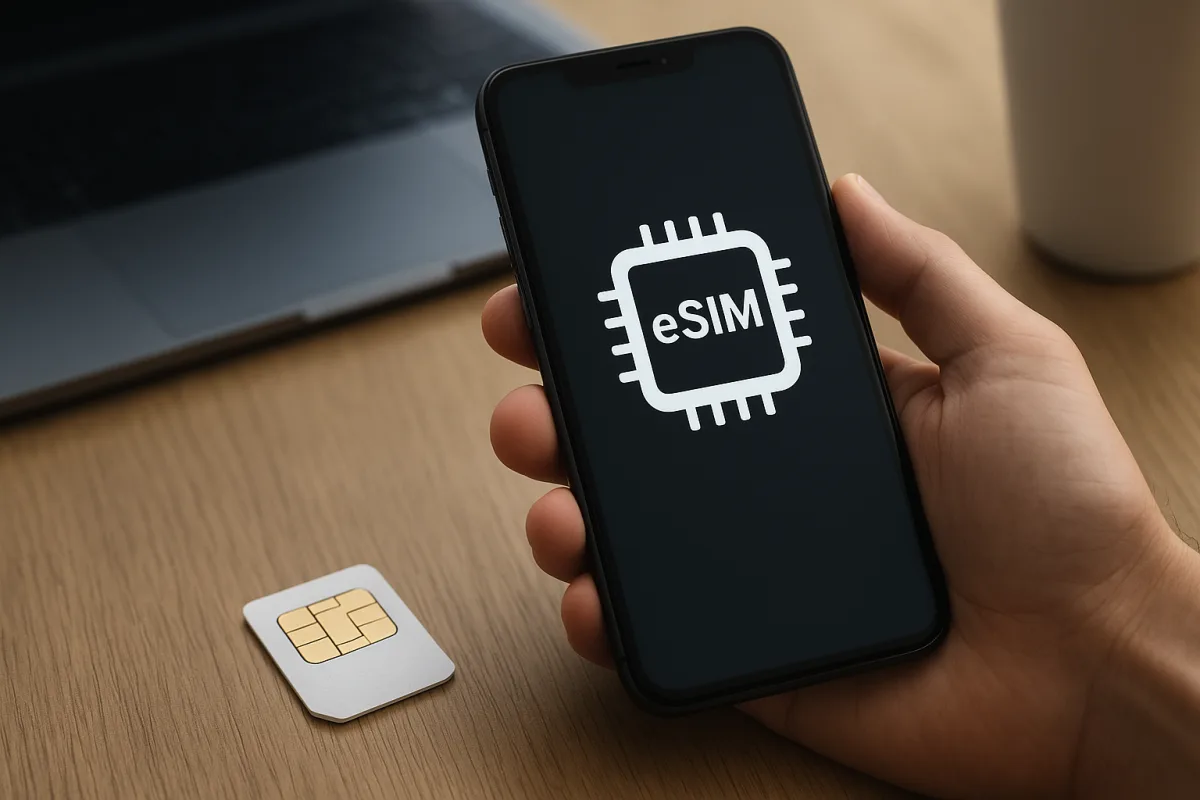
What does eSIM mean?
What is eSIM is one of the most searched questions among users who are buying a new phone or considering moving their line to a digital format. eSIM refers to a digital mobile line profile that works through a chip built into the device instead of a physical card inserted into the phone.
Thanks to this structure, users can activate their line on a compatible device without changing physical cards. However, the experience may vary depending on carrier support, the device's regional version and software compatibility.
How is it different from a physical SIM?
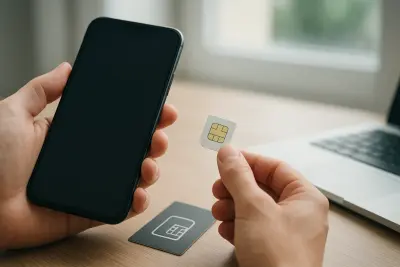
The main physical SIM difference comes down to setup and portability. A traditional SIM card is handled and inserted into a tray, while eSIM is activated digitally. This can be an advantage in areas such as dual-SIM use, device changes and saving space.
- It can reduce the need for an extra SIM slot inside the phone.
- The line activation process can be completed remotely on compatible carriers.
- It can be practical for international data plans or using a second line.
Which phones support eSIM?
Phones that support eSIM are not limited to a single list. Support can vary not only by brand, but also by different model and regional versions within the same series. For that reason, it is important to check the device's technical specifications page rather than relying only on the brand name.
How can you tell if it is supported?
In general, some flagship phones released in recent years, selected mid-range models, some tablets and smartwatches can offer eSIM support. This feature may be available on some models in the Apple iPhone, Samsung Galaxy and Google Pixel lines, but the manufacturer's official product page and carrier information should always be checked together before making a final decision.
- Check the Cellular, Mobile Data or SIM Manager section in the device settings.
- Look for the eSIM label on the manufacturer's technical specifications page.
- If the carrier has a supported devices list, compare it there as well.
How do you activate eSIM?
eSIM activation usually follows similar steps on most devices. In general, the user scans a QR code provided by the carrier, enters a manual activation code or loads the digital profile through the carrier's app. An internet connection may be required during setup.
General setup steps
- Check whether the phone supports eSIM.
- Confirm that the carrier offers eSIM service.
- Open the mobile line add section in the Settings menu.
- Load the profile using a QR code, activation code or the carrier app.
- After the line is activated, test the call, SMS and data settings.
What to watch for before setup
When changing devices, the eSIM profile may need to be reactivated. Also, the same process may not apply in every country, with every carrier or on every model. For the smoothest setup, it is important to follow the manufacturer's support page and the carrier's latest instructions together.
"""

Comments (0)
No comments yet. Be the first to comment.
Write a Comment
Yorum yazmak için giriş yapın. Üyelik ücretsiz; yorumunuz editör onayından sonra yayımlanır.