

How do you access health records through e-Nabız?
e-Nabız is a digital health platform that lets users view a wide range of data in one place, including examination details, prescriptions, reports and laboratory records. After logging in, users can search their own health records through the home screen or the relevant menus.
The access method may vary depending on the device used. After signing in through the website or mobile app, prescription, report and test information is usually shown under separate headings, even though the menu layout may occasionally be updated. The first step is to open the account in a verified way and check the personal profile details.
Which menus show prescriptions and test results?
Steps to view prescriptions
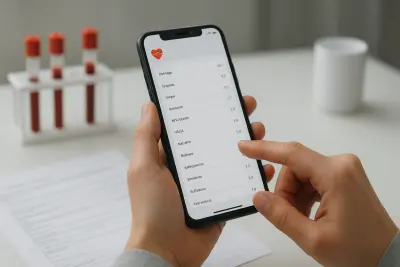
To view prescriptions, users need to enter the section dedicated to prescriptions in the system. Here, medicine records issued after previous examinations, prescription details and, in some cases, usage information may be listed.
- Log in to your account and find the prescriptions section in the main menu.
- Filter the records by selecting the relevant date range or healthcare institution.
- Open the listed prescription record to check the medicine name, issue details and related procedure information.
Menu names may differ slightly depending on the device or version. If a record does not appear, it may not yet have been updated in the system, or it may be listed under a different date range.
Steps to check test results
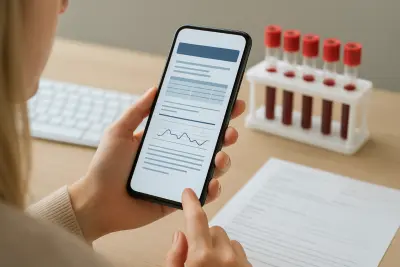
For test result checks, users can open the screen that contains laboratory or examination results. Blood tests, imaging reports or the results of other tests may be listed under the relevant headings.
- Open the test or laboratory results section.
- Select the date or healthcare institution for the test you want to review.
- Carefully check the reference range, unit information and report notes, if available, on the results screen.
Some results may be displayed not only as numeric data but also as a report file or explanatory text. Since the display format can vary by test type, it is helpful to review the full screen.
What should you pay attention to when reviewing results?
Although the data in digital records is informative, it should not be considered sufficient on its own to make a diagnosis. In particular, values that appear outside the reference range can be misleading without a doctor’s assessment.
If you notice missing prescriptions, reports or test records, you may need to contact the relevant healthcare institution or official support channels for information. To protect personal data, it is also important not to leave sessions open on shared devices and not to share login details with third parties.
"""



Comments (0)
No comments yet. Be the first to comment.
Write a Comment
Yorum yazmak için giriş yapın. Üyelik ücretsiz; yorumunuz editör onayından sonra yayımlanır.