
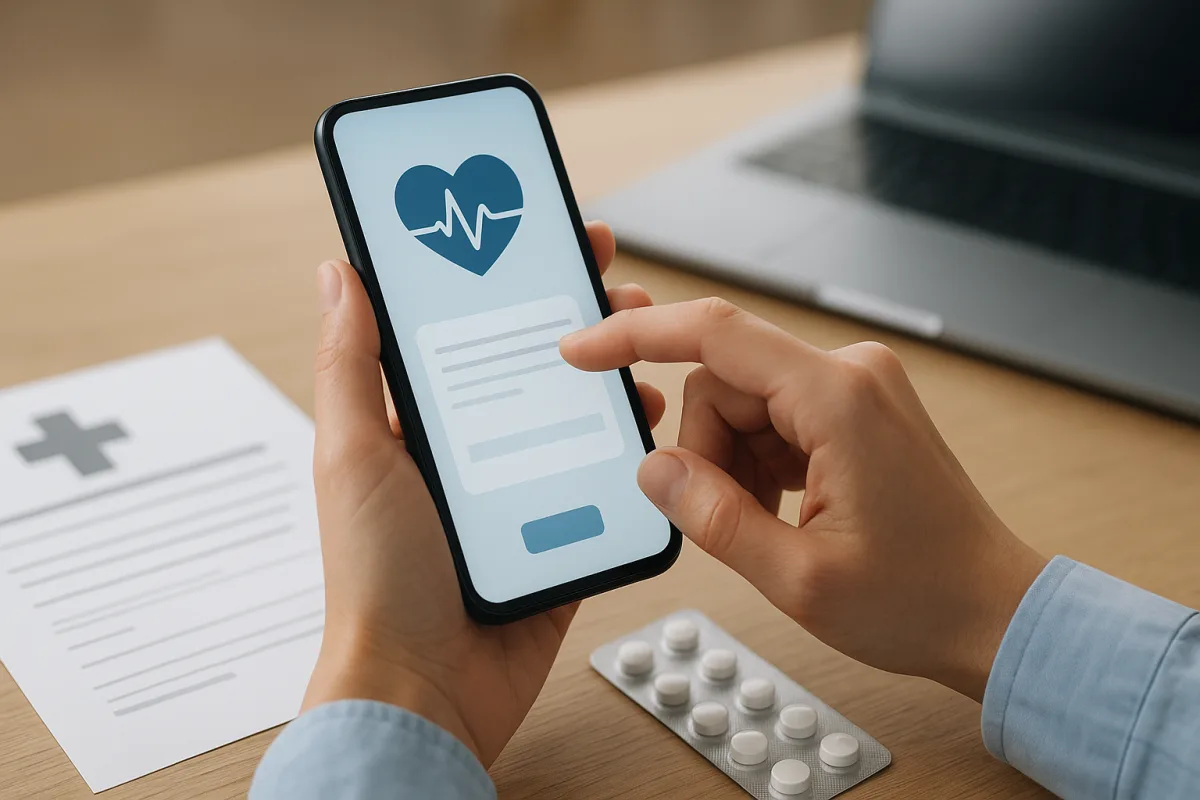
Where can an e-Nabız medication report be viewed?
The e-Nabız medication report is searched for among the documents and reports stored in a person’s digital health records. Although e-Nabız use works in a similar way on both the mobile app and the web version, menu names can change over time, so reports, health records and prescription headings should be reviewed carefully.
After logging in, it may be possible to access the report through the search field on the profile screen, the health history page or the document list. If the record does not appear, possible reasons include the document not yet being processed in the system, its validity period having expired, or it being filed under a different heading.
- Log in to the account via the website or mobile app.
- Check the sections related to reports, health history or prescription information.
- Look for terms such as medication, usage approval or similar wording in the document name.
What procedures can a medication report be used for?
A medication report can serve as a type of health report showing why a particular medicine is being used and within what treatment framework. For that reason, it may be among the documents requested during pharmacy transactions, prescription renewals, follow-up examinations and the tracking of previous treatment.
In particular, when the report and prescription information are reviewed together, it becomes clearer which period the medication was planned for and how its use continued. However, whether the report alone is sufficient for every procedure may depend on the practice of the relevant healthcare institution and current regulations, so additional verification may be requested when needed.
- To recall previous treatment records before an examination
- When document checks are required at a pharmacy or healthcare facility
- To monitor an ongoing treatment process regularly
What should be considered when viewing reports?
When report viewing is carried out, the document date, relevant specialty, physician record and validity status should be checked carefully. To avoid confusing old and new documents, the most up-to-date record shown in the system should be used whenever possible, rather than relying only on a screenshot.
If missing information or inconsistencies are noticed in the document, the family physician, the relevant outpatient clinic or the healthcare institution should be contacted. Since personal health data is sensitive, it is also important to be careful about account security and sharing permissions.
"""


Comments (0)
No comments yet. Be the first to comment.
Write a Comment
Yorum yazmak için giriş yapın. Üyelik ücretsiz; yorumunuz editör onayından sonra yayımlanır.