
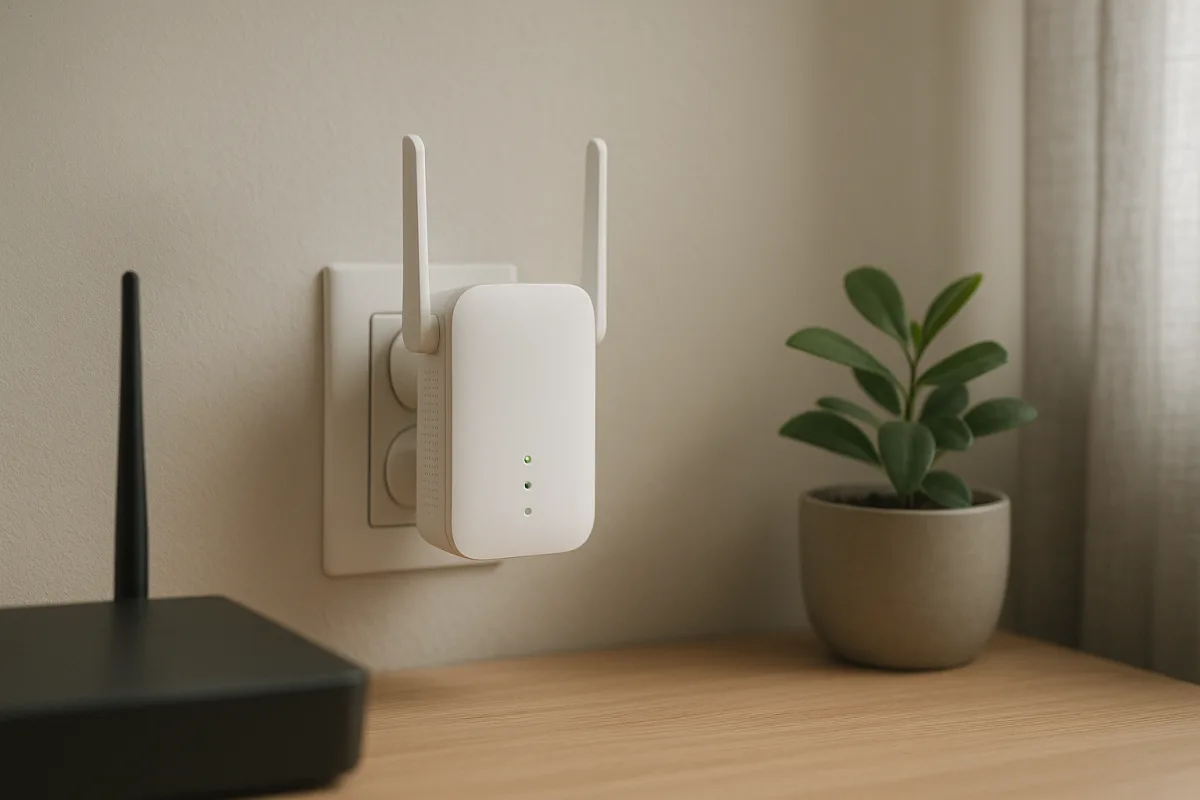
What does a Wi-Fi range extender do?
In a home or office, a wifi range extender does not create the wireless network from scratch; it picks up the existing signal and rebroadcasts it to areas where coverage is weak. That makes it especially useful when dealing with modem coverage problems caused by walls, floor differences or long hallways.
These devices, also commonly called a repeater, are placed in a spot that is not too far from the modem, where the signal is still reaching reliably. That way, devices such as phones, tablets, smart TVs and laptops can connect more stably. However, a range extender does not improve the quality of the internet at the source on its own; it simply redistributes the existing connection from a suitable point.
Which homes benefit most?
A range extender does not deliver the same performance in every environment. The modem’s location, the quality of the internet line, the layout of the home and the building materials all affect the result.
- Homes where the modem is near the entrance and living spaces are farther inside
- Buildings with thick walls, long hallways or multiple floors
- Rooms at the back of the house where people use video calls, distance learning or smart TVs
If the problem is with the connection coming into the modem itself, a range extender may not deliver the expected results. In such cases, moving the modem, setting up a wired access point or considering a mesh system may be a better option.
What should you look for when choosing a Wi-Fi range extender?
When buying a product, it is better to focus on the technical features that fit your use case rather than the claims on the box. In particular, how many devices connect at the same time and what the internet is used for are important factors.
Frequency band and compatibility
Single-band models may be enough for basic use, while dual-band support can provide a more balanced experience in homes where many devices are connected at once. It is also important for the device to support wireless standards compatible with your current modem for connection stability.
Ease of setup and extra ports
Models with app support, easy pairing options and a signal indicator make it easier to find the right location. Devices with an Ethernet port can also offer extra flexibility for products such as desktop computers, game consoles or smart TVs.
Why placement matters
Although the phrase signal boosting is often used, the decisive factor in practice is usually where the device is placed. For the best performance, the range extender should not be put at the furthest point where there is no signal at all, but in an intermediate spot that still receives the modem’s signal reliably.
"""



Comments (0)
No comments yet. Be the first to comment.
Write a Comment
Yorum yazmak için giriş yapın. Üyelik ücretsiz; yorumunuz editör onayından sonra yayımlanır.