

How does the process of getting a document from e-Government work?
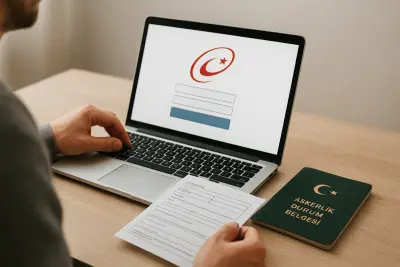
The civil registry record with annotations is an official document containing basic information from a person’s population registry, and in some cases their family’s record as well. Those who want to access this document through e-Government can log in to the system and follow the document creation steps on the relevant service screen.
Because menu names and screen layouts in the platform may be updated over time, it is more important to understand the logic of the process. In general, users are expected to select the document type, state the purpose of use and then view or download the generated file digitally.
General steps to follow
- Sign in securely to your e-Government account.
- Find the service related to the population registry record in the search area.
- Select the requested document type on the relevant service screen.
- Check the stated purpose of use or document scope.
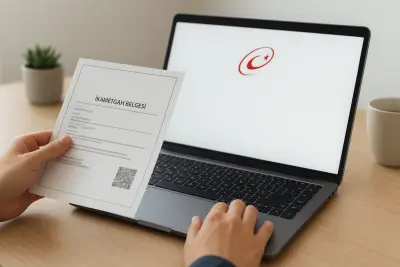
- View, download or, if needed, print the generated document.
Document procedures are in many cases linked to Population and Citizenship Affairs services. Since whether an online document will be accepted by institutions can vary depending on the application, it is useful to check the latest requirements separately.
When is a civil registry record with annotations requested?
This document may be requested in procedures where family ties, marital status or population events need to be shown. In particular, official applications, court files, inheritance processes, citizenship procedures and some education or social security applications may require a population registry document.
However, not every institution asks for the same format. In some applications, basic registry details for the individual are enough, while in others a more detailed document that includes family members or explanatory notes may be required.
Why should you be careful about the document type?
One of the most common mistakes is proceeding without clarifying the exact scope of the requested document. If the format requested by the institution does not match the document obtained, the application process may be delayed; therefore, the required content, language and delivery format should be checked before creating the document.
Points to check before applying
To speed up the document retrieval process, personal information should be reviewed for accuracy and the purpose of the application should be clear. If a digital document will be used, the file should be readable; if a printout is required, the document should appear complete.
Practical checklist
- Confirm exactly which document the applying institution wants.
- Check whether the document should cover only the individual or the family as well.
- Find out in advance whether digital submission, a printout or physical presentation is required.
- Make sure the identity and registry details on the document are up to date.
In short, a civil registry record with annotations is among the practical documents that can be obtained online. Still, for a smooth application, the safest approach is to review the institution’s request carefully before starting and check whether any additional documents are needed.
"""


Comments (0)
No comments yet. Be the first to comment.
Write a Comment
Yorum yazmak için giriş yapın. Üyelik ücretsiz; yorumunuz editör onayından sonra yayımlanır.