
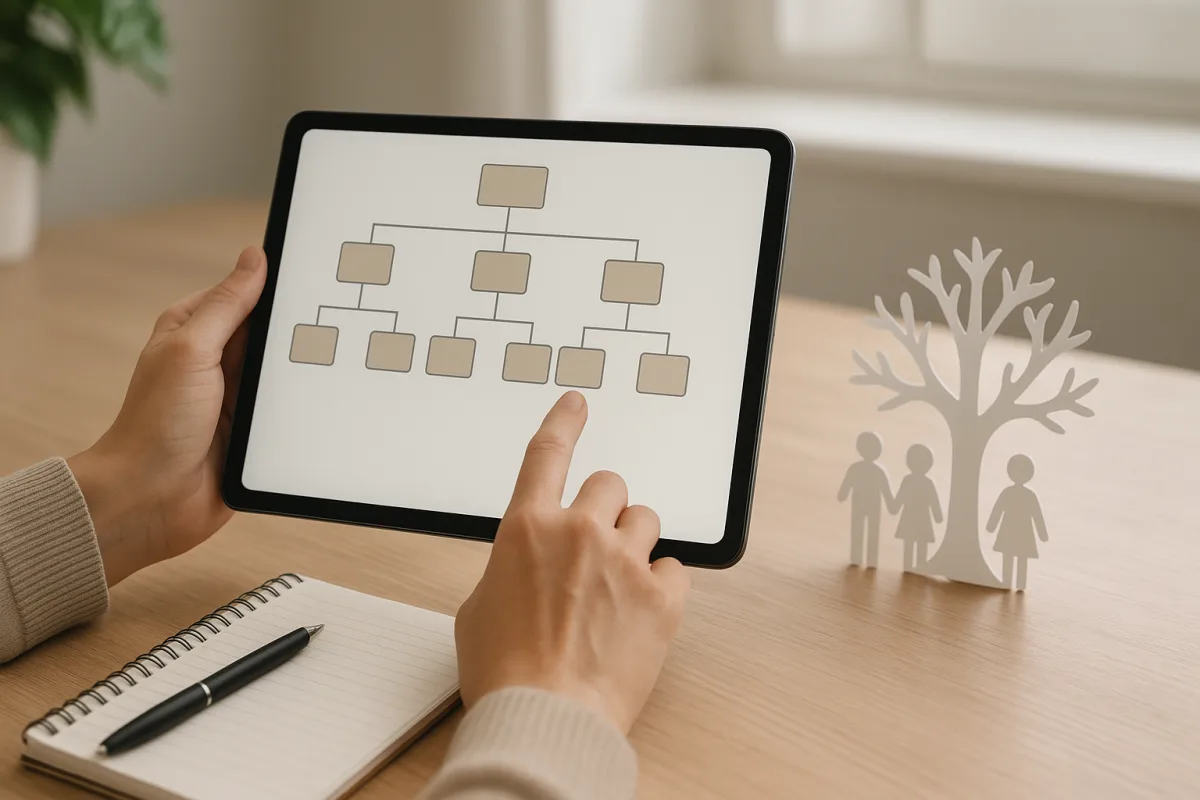
How do you search your family tree on e-Government?
e-Government family tree searches are one of the services used by people who want to see official records related to their family history in digital form. To do this, users first complete identity verification through the e-Government Portal; then they search for ancestry or the relevant population service and move to the results screen.
Although menu names and screen design may change over time, the basic logic of use remains similar. Users can view family members connected to their own record within the scope offered by the system.
What are the search steps?
- Sign in securely to your e-Government account.
- Type ancestry, family tree or the relevant population service into the search bar.
- View the records offered by the system on the service page that opens.
- If needed, check the options for downloading or viewing documents on the screen.
What information appears on the screen?
The results screen shows the portion of a family tree that appears in official records. Basic fields may include the person’s own record, links to their mother and father, and in some cases earlier generations as well as place of birth or registered place information.
What does the information mean?
The data here generally refers to kinship relationships contained in population records. Seeing a name on the screen means there is a registered link to that person in the system; not seeing one does not always mean there is no such connection.
- Name and surname details may appear in different spellings depending on the period of the record.
- Place of birth or place of registration may differ from the person’s current residence.
- The visibility of earlier generations may vary depending on how archive records have been transferred into the system.
What can be done if a record is missing or not visible?
The absence of some people on the ancestry information screen does not mean the record does not exist at all. The level of digitization in archives, technical congestion, spelling differences in older records or the scope of what can be displayed may affect the results.
In such cases, the general options are to try the search again later, check that identity and population details are up to date, and if necessary obtain information from the relevant official population offices. Due to personal data protection rules, the system may not show all family records to every user at the same level of detail.
"""





Comments (0)
No comments yet. Be the first to comment.
Write a Comment
Yorum yazmak için giriş yapın. Üyelik ücretsiz; yorumunuz editör onayından sonra yayımlanır.